4–6 min · 3 steps
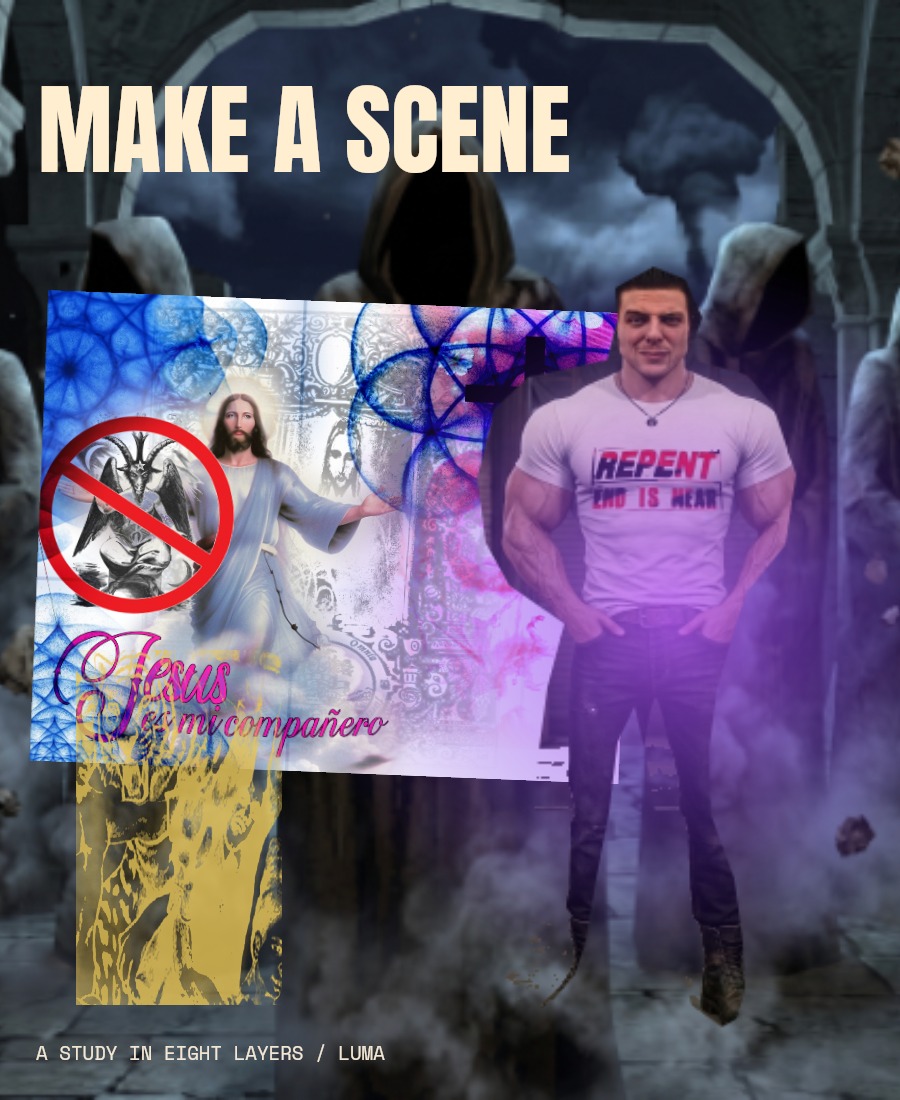
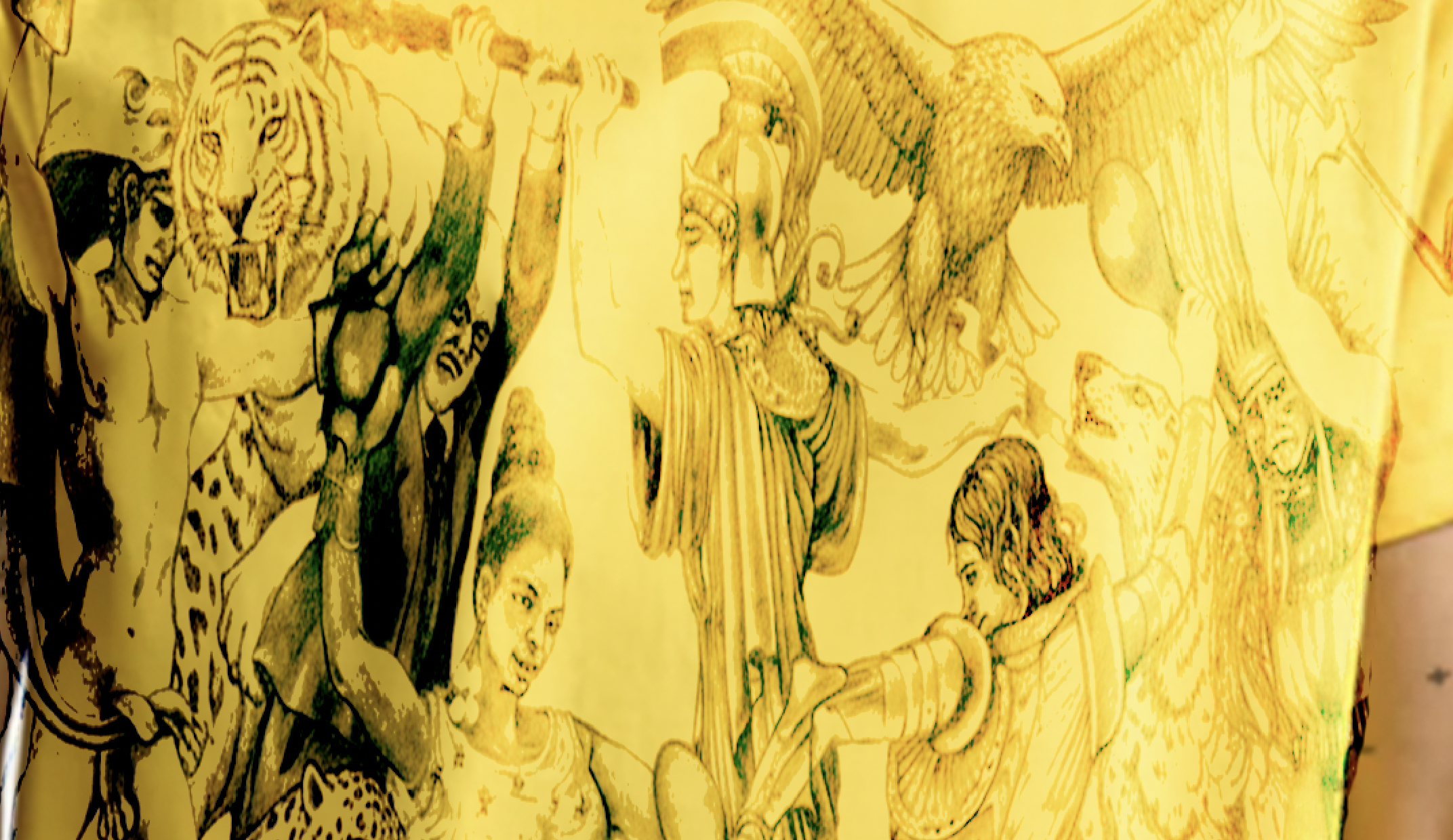
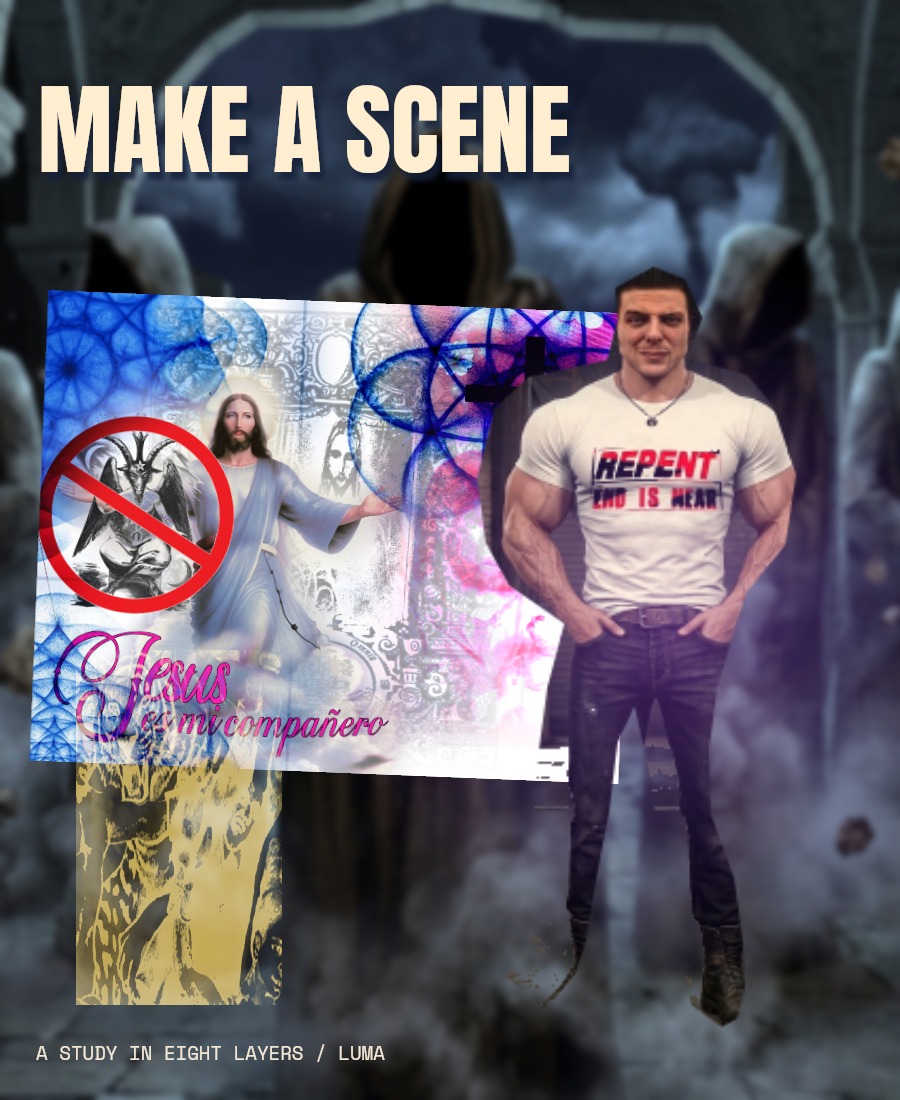
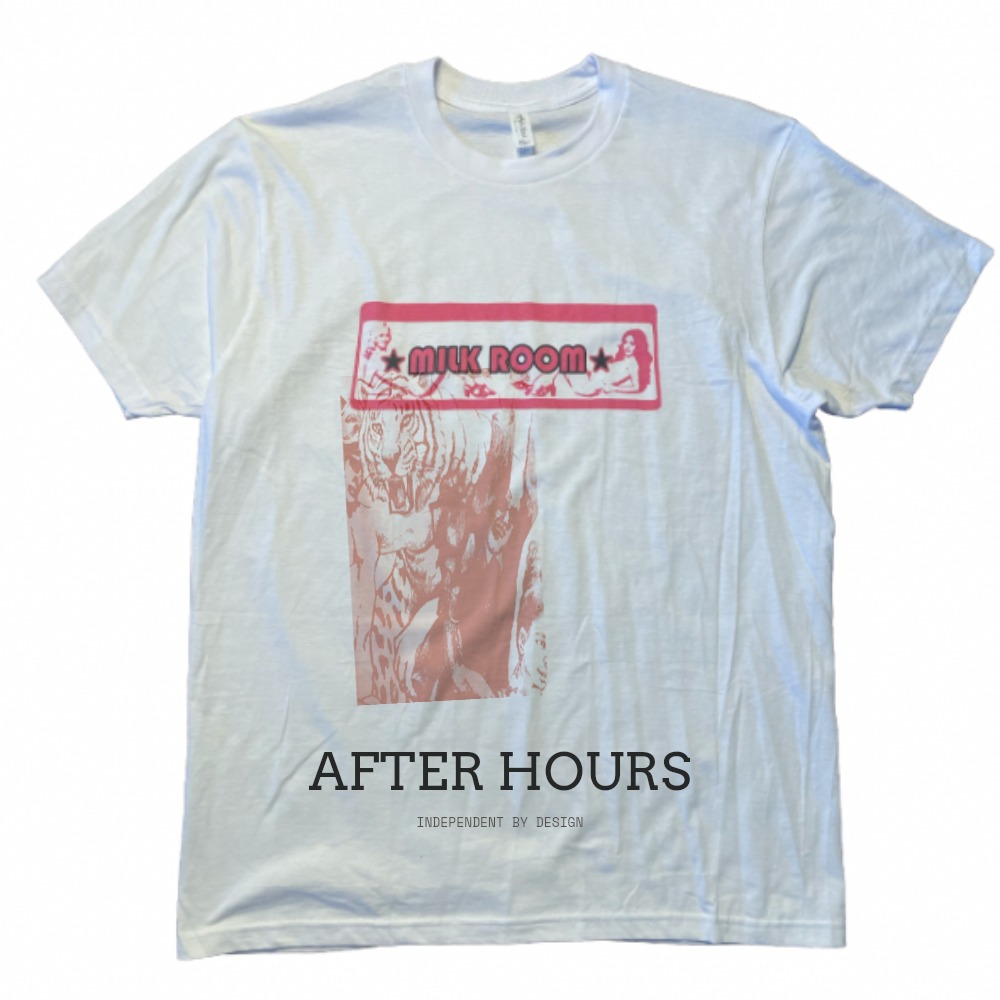
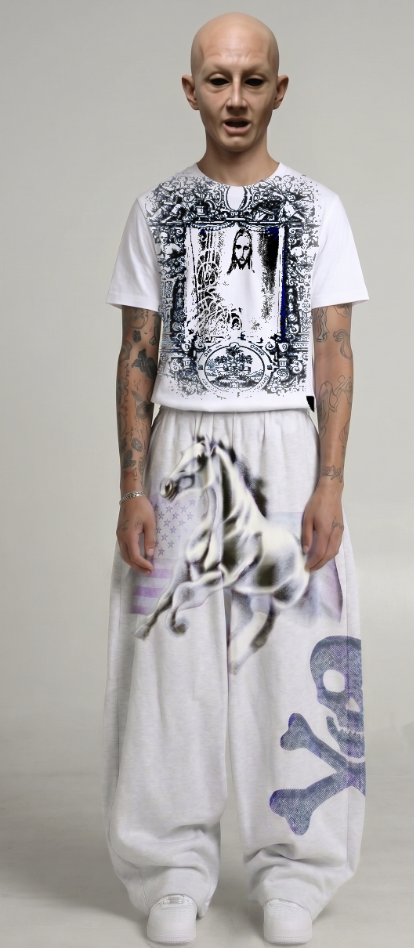
Select his shirt. Change its color.
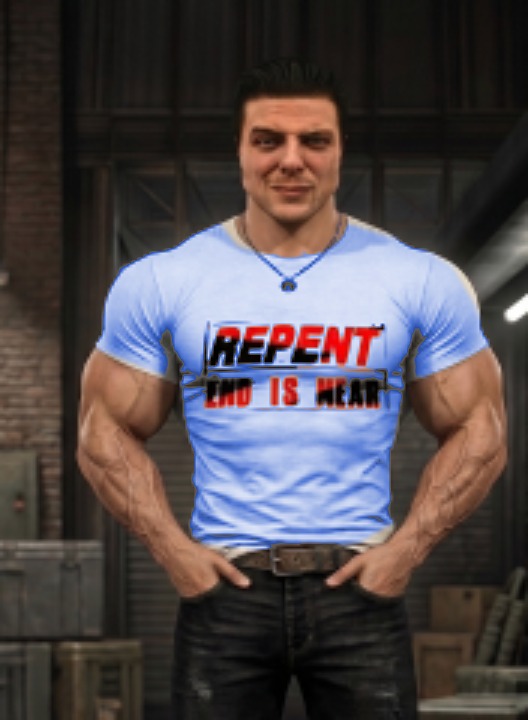
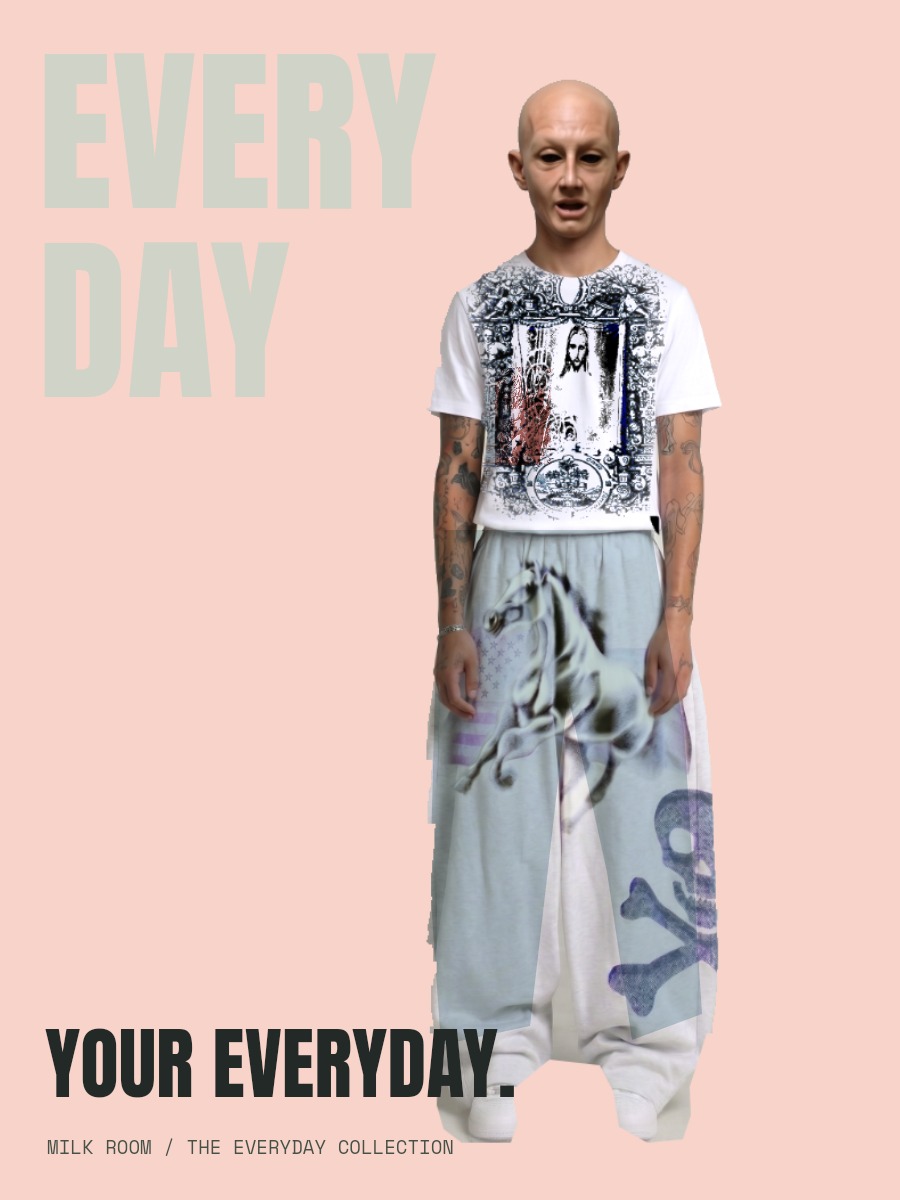
An editable Luma project
Open the full lesson ↗Smart selection / mask preview / edge refinement / targeted Recolor
Tap to smart-select the man’s T-shirt, refine its mask with Add and Remove, then recolor a copy. Keep his face, arms, printed lettering and surroundings intact.
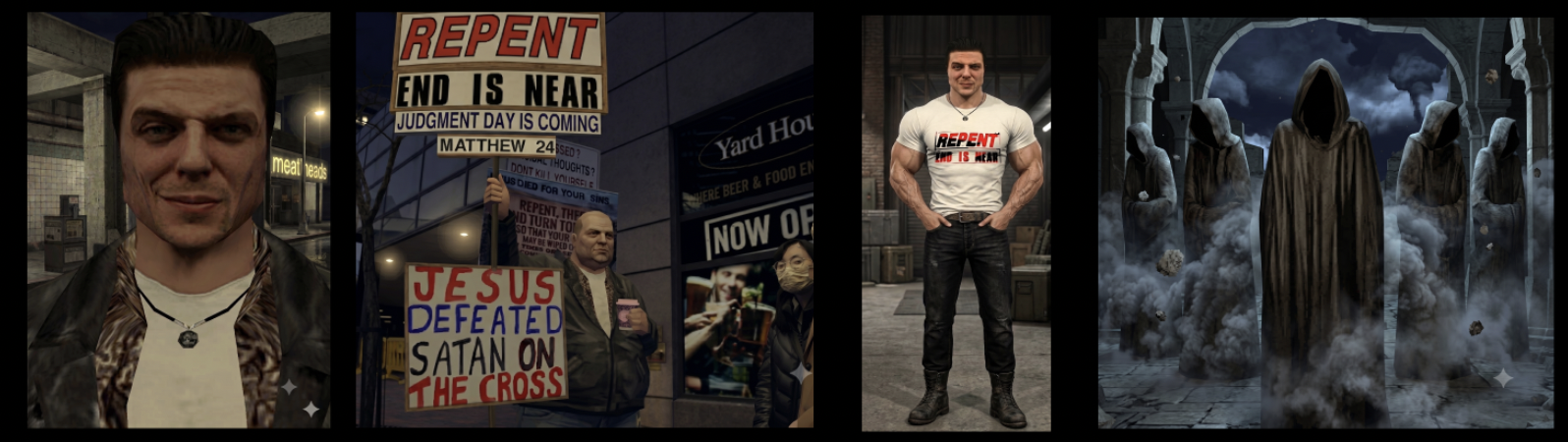
View originals & get the editable files
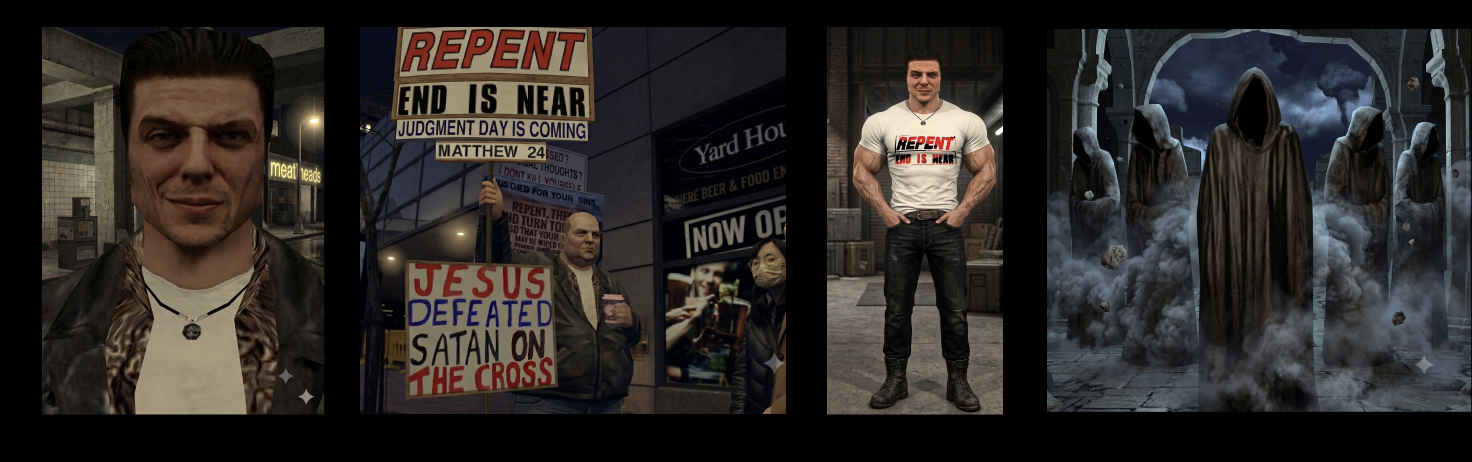
The original image stays intact. The workshop adds editable layers, type, masks and color treatments.